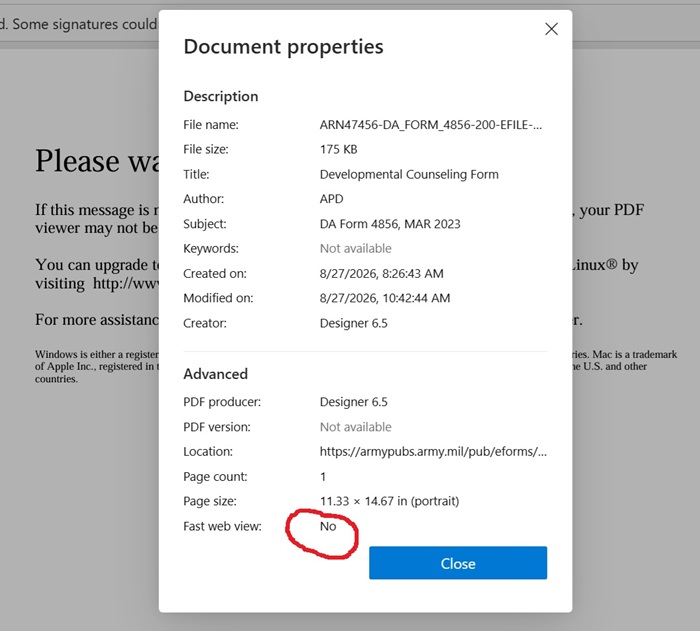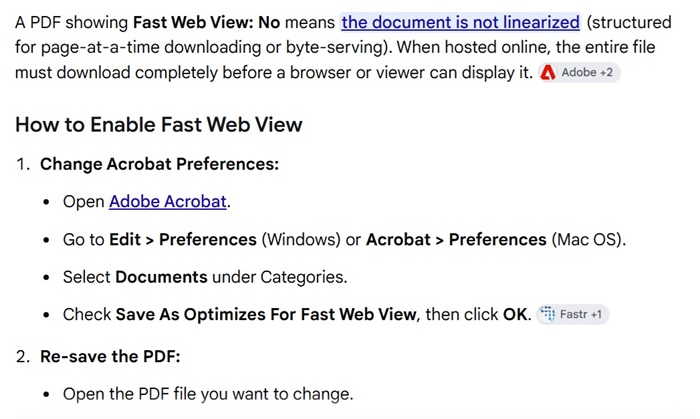
When you click on a link to a PDF file and you get the "Please wait..." error, the work-around is to right-click on the link to the PDF file and select "Save Link As..." from the right-click menu. This is because the PDF file was specifically designed not to open in a web browser. Verify by viewing the document's properties (select the gear icon).